
Integrations
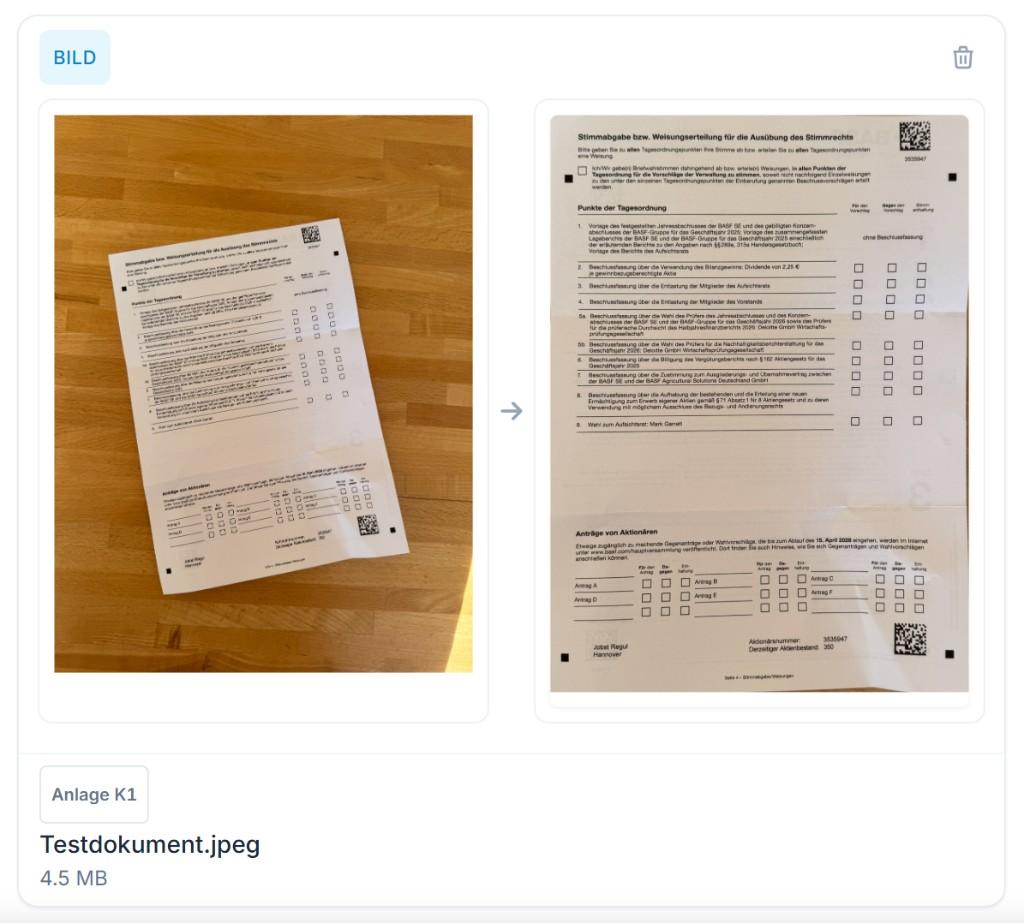
Import HEIC images
Process iPhone photos in HEIC format without friction.
Short video
Video soon
Short in-product walkthrough — video to follow.
At a glance
- HEIC is made usable on upload
- No separate converter needed
- Typical for iPhone photos
How it works
Upload the HEIC file as usual.
LexLogik converts automatically.
Recognition runs like with JPEG.
View in LexLogik
Background
iPhone users often send HEIC photos—they don’t open everywhere. LexLogik converts them on upload to a common format so recognition can start without extra steps.
No tedious pre-conversion; client photos go straight into your practice workflow.
From the LexLogik team
Apple ships HEIC—we convert on upload so you don’t have to ask clients for JPEG separately.
Try LexLogik in your practice
10-day free trial—all features. No credit card.