Onboarding email - Day 1
Import documents into LexLogik easily
 LexLogik
Day 1: Import files
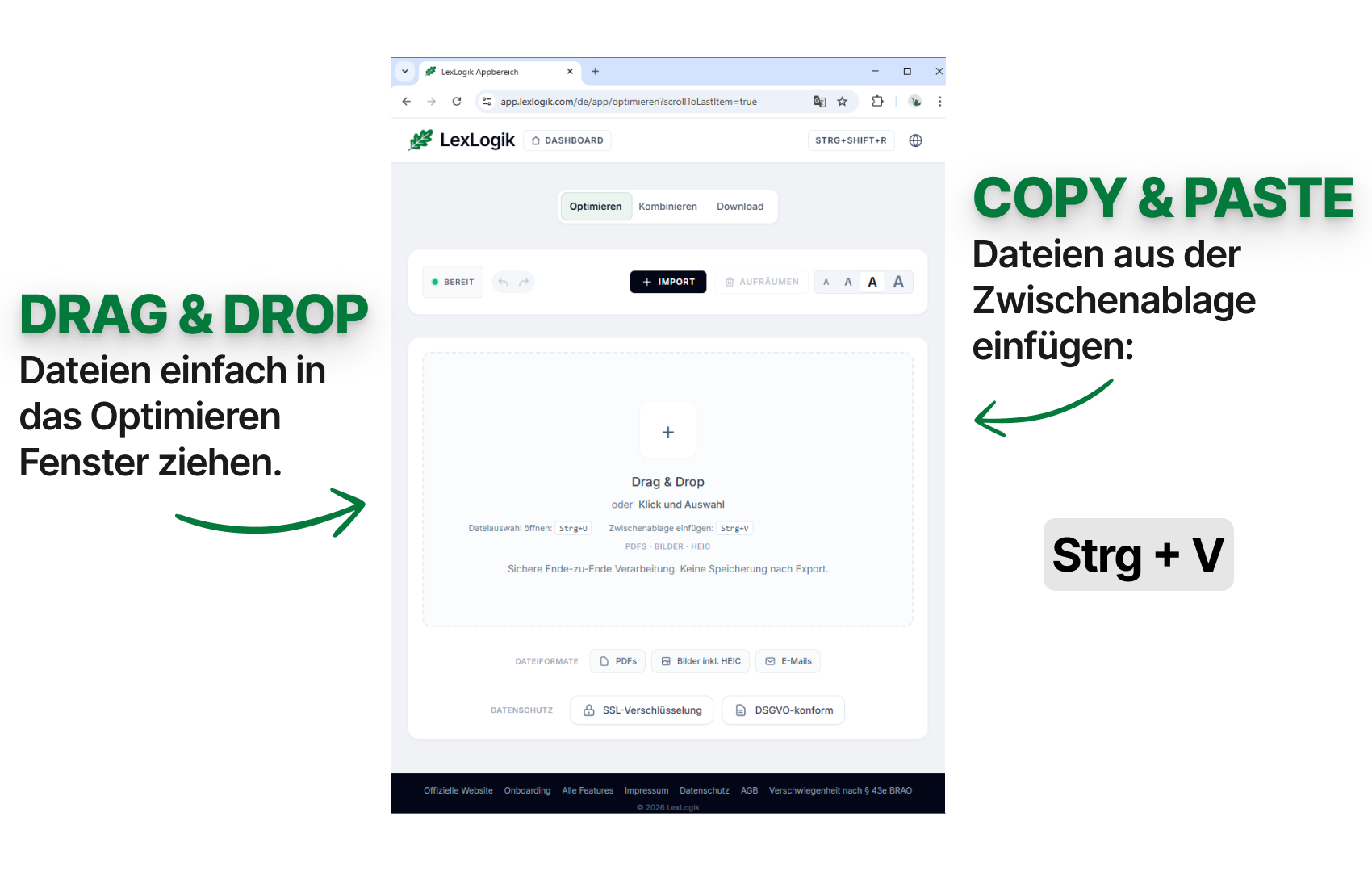
You can add files most easily with drag & drop or copy & paste in LexLogik. Simply drag a whole Outlook email into the window with the mouse.
Alternatively, copy files to the clipboard first, then paste them into LexLogik with Ctrl+V (Windows) or Cmd+V (Mac).
If you have questions or feedback, we are happy to help:
info@lexlogik.comYour LexLogik team
Clemens and Jonas
All features are explained here: lexlogik.com/features
All onboarding tips are available here: lexlogik.com/onboarding
We only send a limited number of emails with helpful tips for getting started with LexLogik. If you no longer wish to receive tips, you can unsubscribe below:
Next tip: Combine several documents efficiently into PDFs
Unsubscribe from onboarding emails and stop receiving the next tip.