Onboarding email - Day 5
Shrinking large documents
 LexLogik
Day 5: Compress and make PDFs searchable
Shrinking large documents
LexLogik automatically optimises (shrinks) PDFs and includes an excellent text-recognition engine (OCR) that turns your PDF into searchable scans.
Depending on how many pages are in the PDF you imported or assembled, this step can take from a few seconds up to a few minutes.
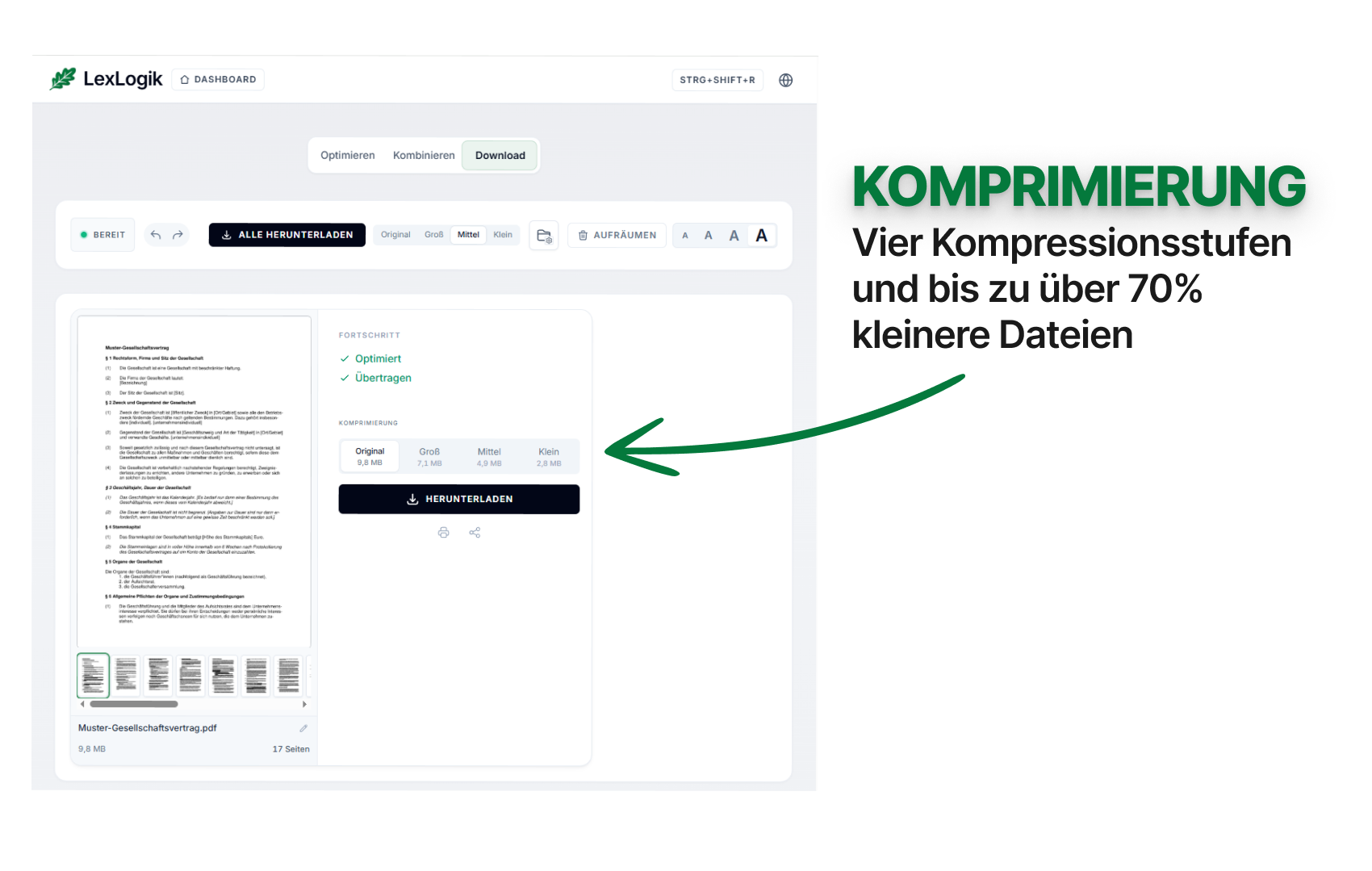
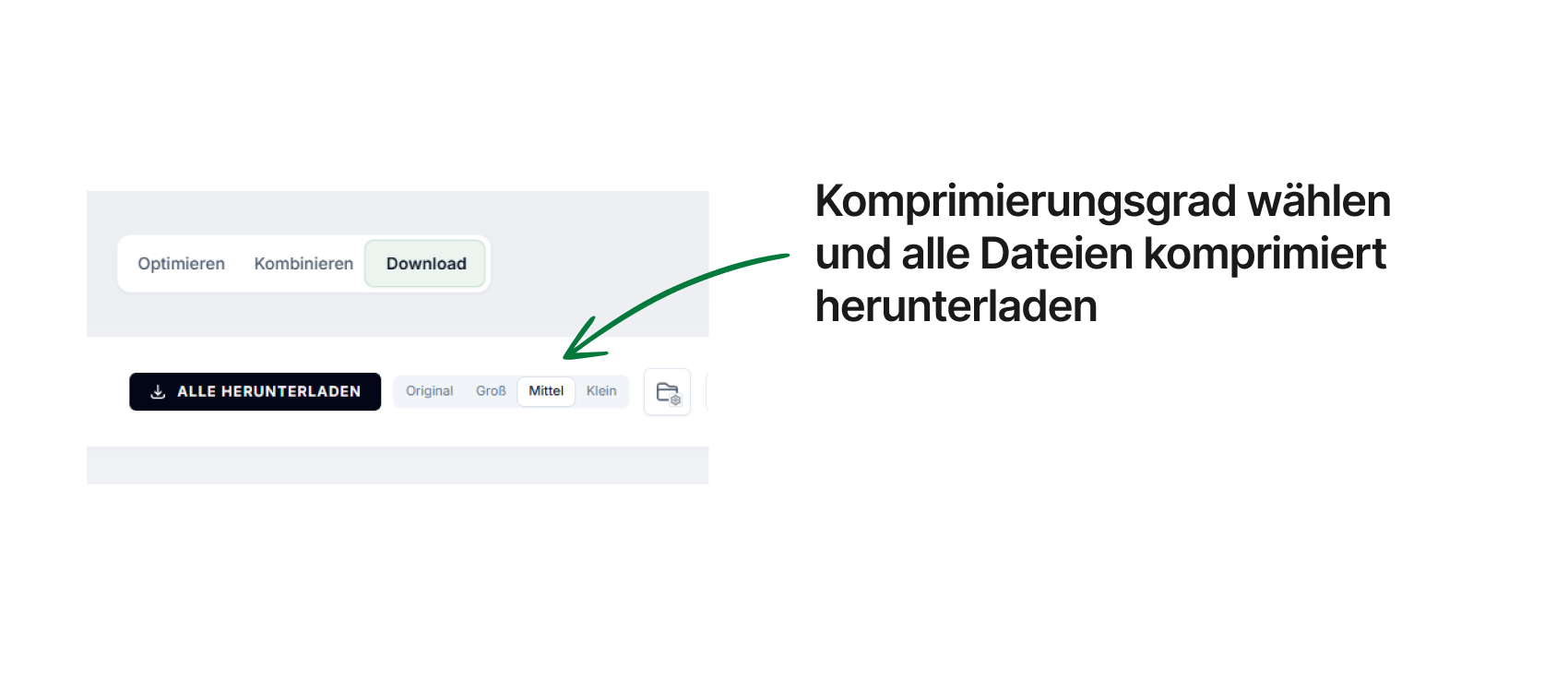
Under Downloads you can pick from four different quality levels for the PDF.
If you have questions or feedback, we are happy to help:
info@lexlogik.comYour LexLogik team
Clemens and Jonas
All features are explained here: lexlogik.com/features
All onboarding tips are available here: lexlogik.com/onboarding
We only send a limited number of emails with helpful tips for getting started with LexLogik. If you no longer wish to receive tips, you can unsubscribe below:
Next tip: Split PDFs at specific positions
Unsubscribe from onboarding emails and stop receiving the next tip.