Onboarding email - Day 2
Combine several documents efficiently into PDFs
 LexLogik
Day 2: Combine documents
Combine several documents efficiently into PDFs
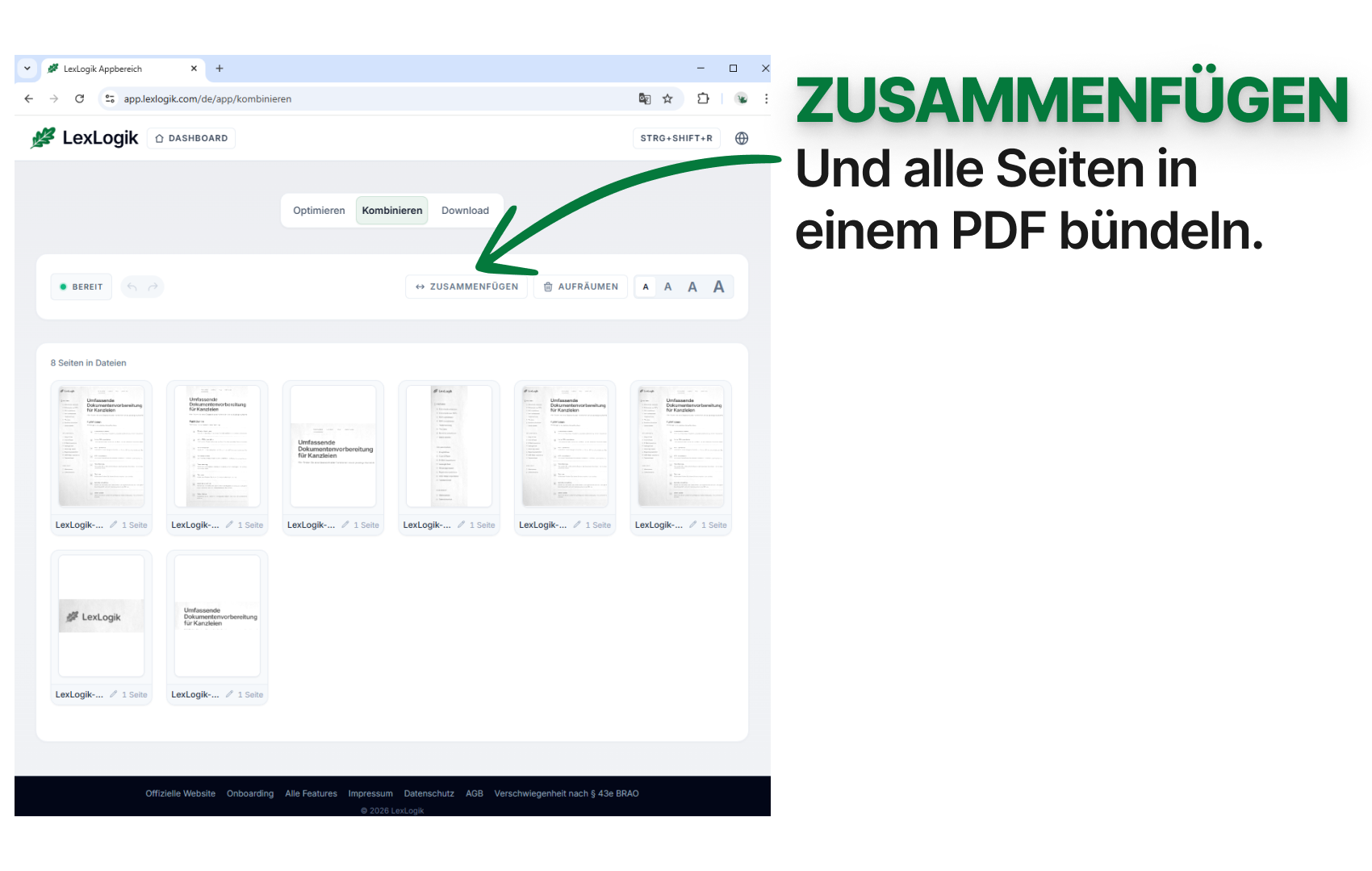
Today’s tip focuses on Merge (Zusammenfügen): with one click you can build a single PDF from every page you imported.
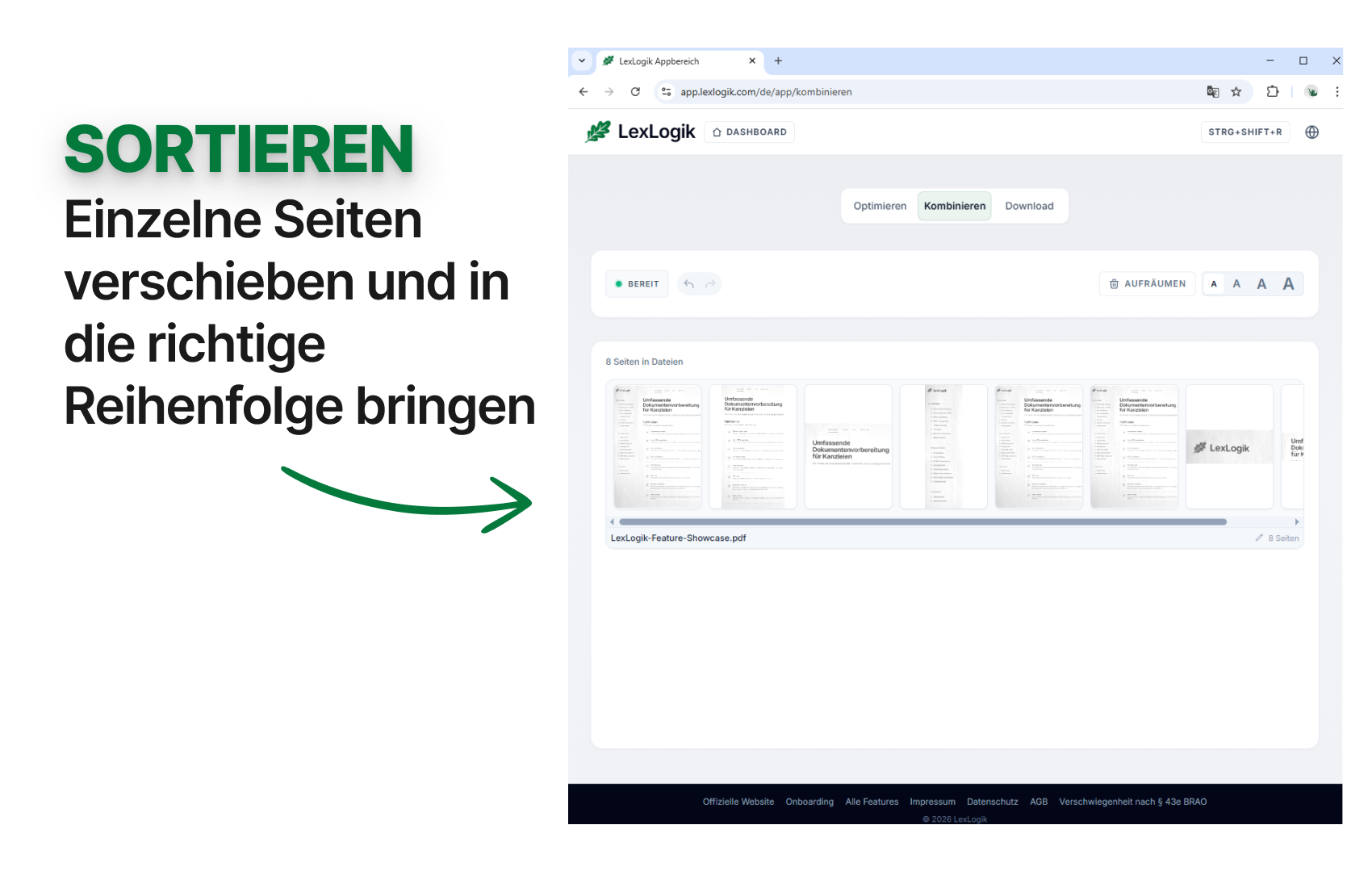
After that, it’s easy to change page order - grab a page with the mouse and drag it to the desired position.
Extra: the quickest way to create another PDF is to drag a page past the edge of its PDF column - a “Create new PDF” field appears.
Undo / redo: in LexLogik you can undo most actions (and redo them). Try the shortcuts CtrlZ and CtrlY. (On Mac, use Cmd instead of Ctrl.)
If you have questions or feedback, we are happy to help:
info@lexlogik.comYour LexLogik team
Clemens and Jonas
All features are explained here: lexlogik.com/features
All onboarding tips are available here: lexlogik.com/onboarding
We only send a limited number of emails with helpful tips for getting started with LexLogik. If you no longer wish to receive tips, you can unsubscribe below:
Next tip: View a single page large
Unsubscribe from onboarding emails and stop receiving the next tip.