Onboarding email - Day 3
View a single page large
 LexLogik
Day 3: Zoom pages in preview
View a single page large
When you're putting text-heavy pages in the right order, you sometimes want to zoom in hard to see more detail.
We've built two tools for that:
Double-click preview: double-click the page you care about to open preview mode at a large size.
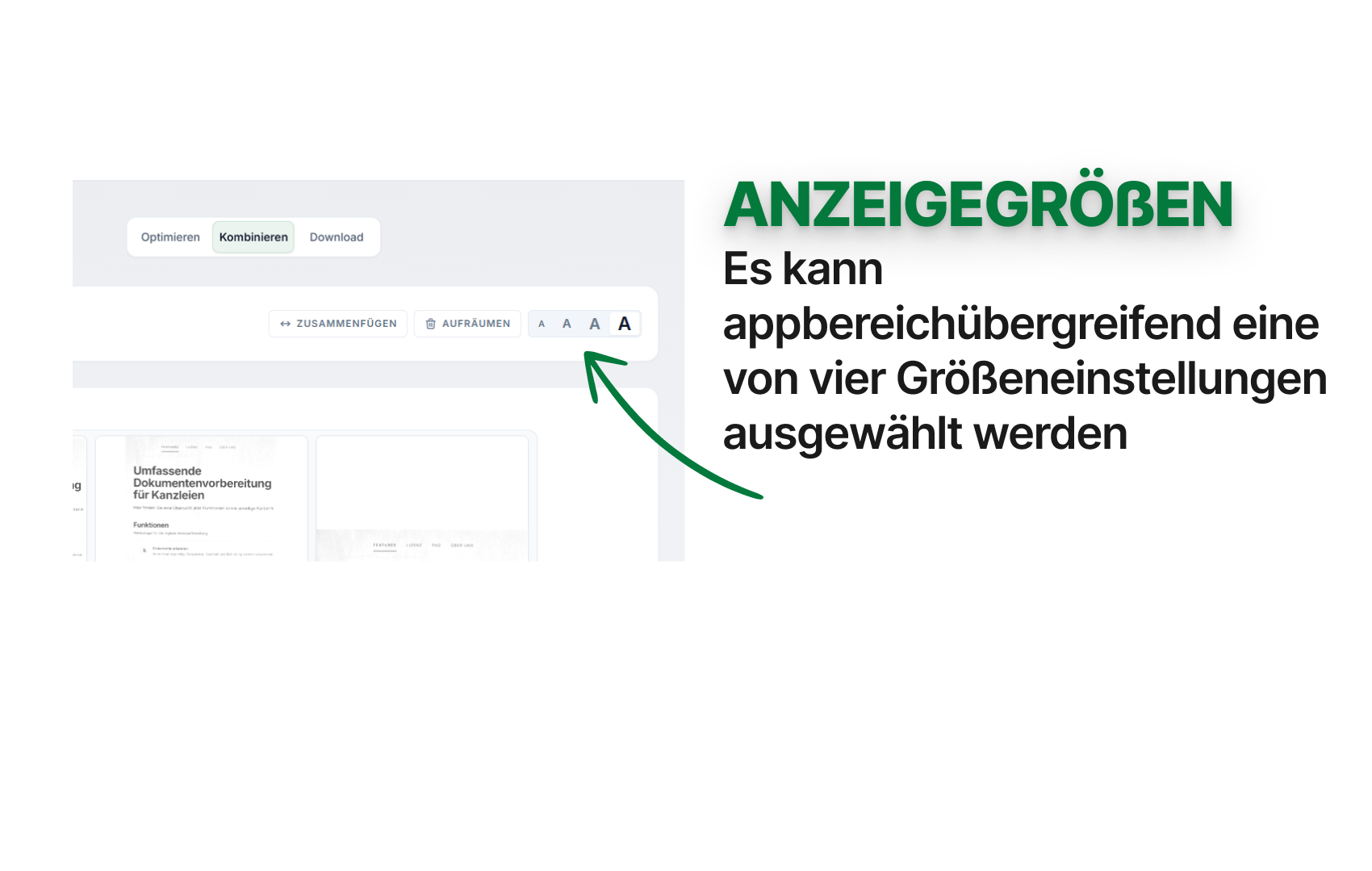
View mode: alternatively, choose a larger view mode (see the second screenshot).
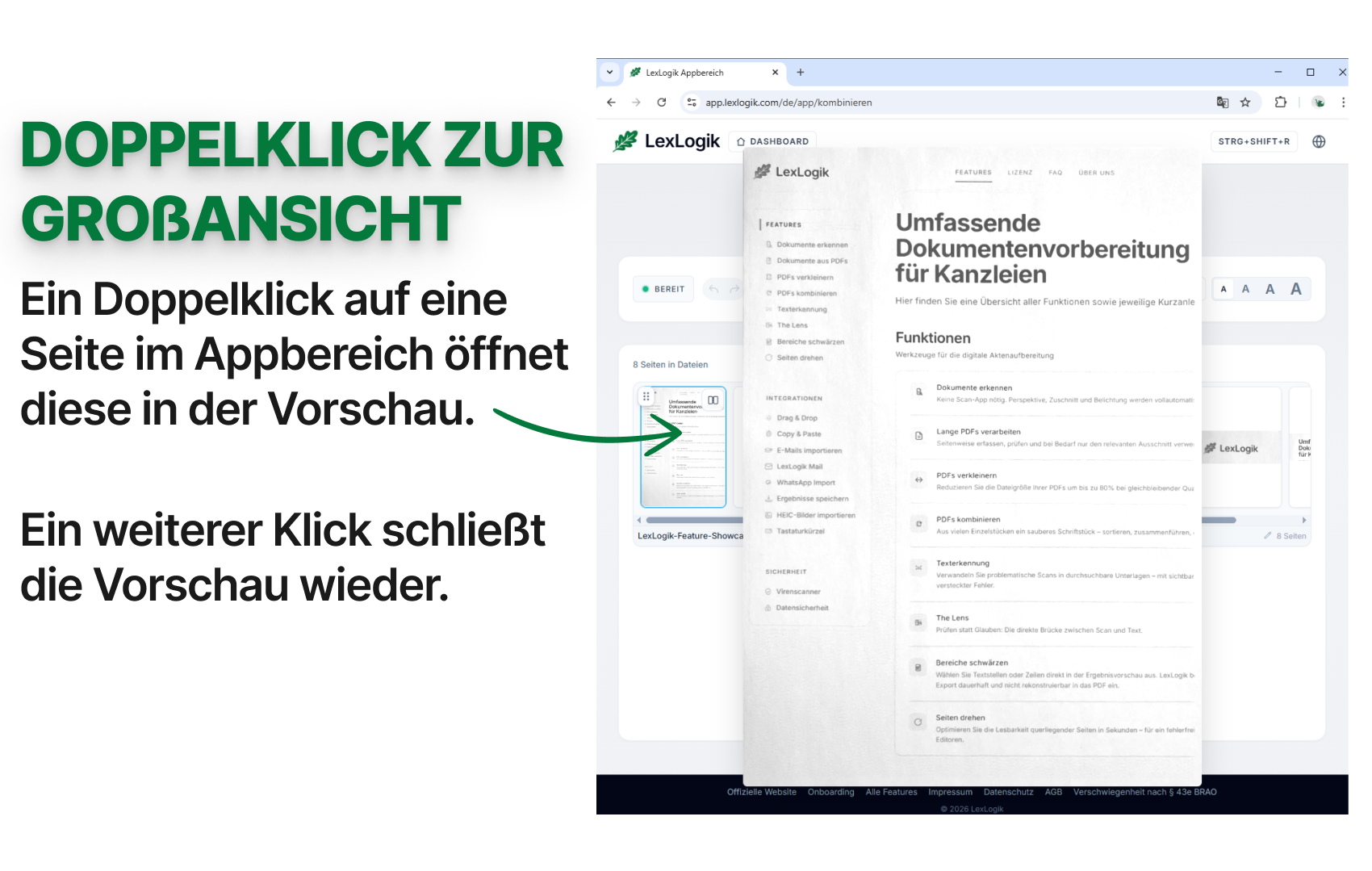
Extra: the preview mode closes with a single click (anywhere …).
If you have questions or feedback, we are happy to help:
info@lexlogik.comYour LexLogik team
Clemens and Jonas
All features are explained here: lexlogik.com/features
All onboarding tips are available here: lexlogik.com/onboarding
We only send a limited number of emails with helpful tips for getting started with LexLogik. If you no longer wish to receive tips, you can unsubscribe below:
Next tip: Crop in Optimise - area selection
Unsubscribe from onboarding emails and stop receiving the next tip.