
Product
Sort, merge, and split client PDFs
Sort, merge, and split client PDFs. Turn many pieces into one clean document - sort, merge, export.
Photos, scans, and single PDFs rarely arrive in final order. In Combine, you arrange recognised pages in columns with drag-and-drop, check previews, and build the sequence you need for court or the client - without running recognition again.
At a glance
- Every page at a glancePreview, file name, and column layout help you sort even large documents safely - without folder chaos or the clipboard.
- No second OCR passMerging uses content already recognised in LexLogik. You save time and cost and stay in control of structure.
- Export one bundleFinish your work and generate a complete document in your preferred order - whether an exhibit bundle, incoming post, or a prepared index of exhibits. LexLogik creates a structured, searchable PDF, ready for portals and your digital matter file.
Split large PDFs and combine freely
Load large matter PDFs page by page into Combine and drag only the relevant pages into your export columns. PDF fragments, photos, and other attachments can be mixed freely - so you build exhibits like K1 or K2 straight from different sources, without an external PDF splitter and without loss of quality.
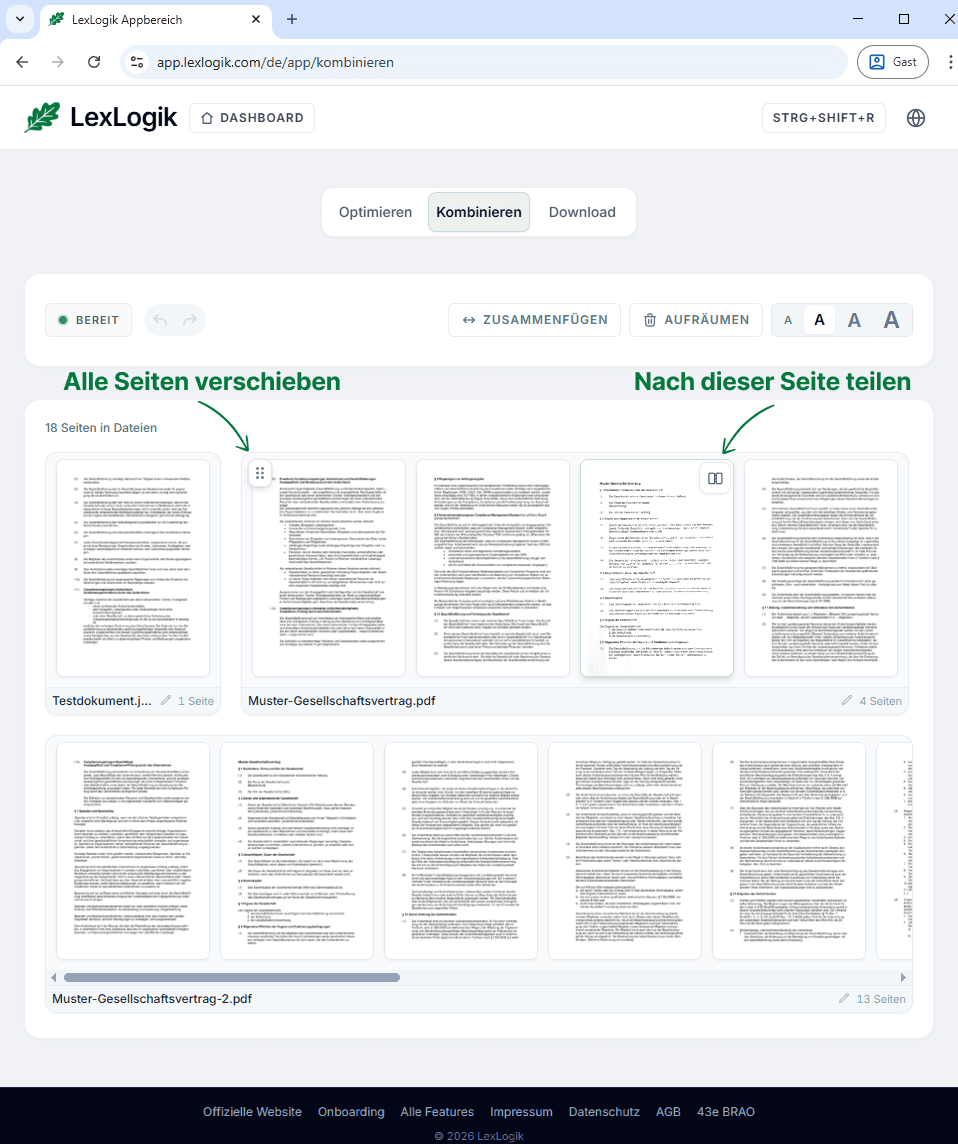
Final export without waiting
Your finished PDF is ready immediately in Download - recognition is already complete, no further step required.
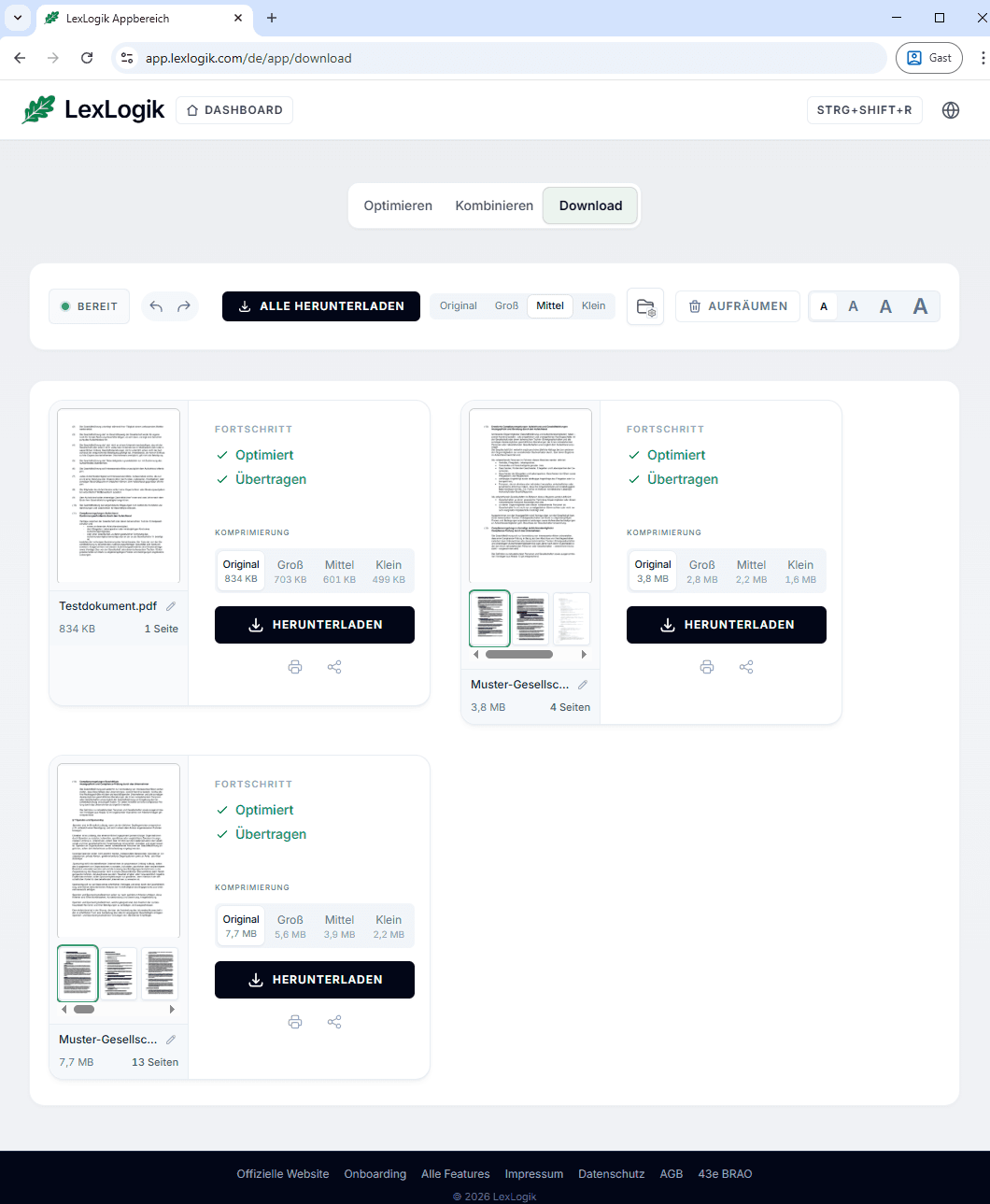
Try LexLogik in your practice
All features unlocked. No credit card. No automatic subscription.